While using Enhesa's Corporate Dashboard tool, users have the ability to leave comments on each requirement that they review. This allows users to communicate to one another within the tool, detailing their findings and providing evidence of compliance.
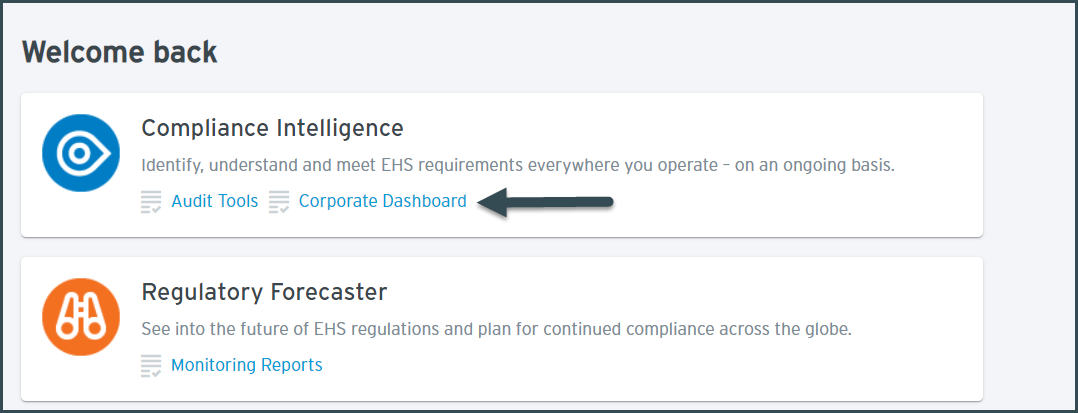
To get started, click the "Corporate Dashboard" link under the Compliance Intelligence Service.
This tool is individual-access based, so if you are unable to see this tool please reach out to the Point of Contact on your home page to request this access.
Once in the tool, locate the facility that you want to review, then click on the Gear icon to open the list of requirements.
As you review your requirements, you'll see space in each requirement's dialog box to add and save comments. These comments can be explanations of findings or decisions, or they can provide links to other file-sharing sites that may be used internally to provide evidence of compliance (see below). Use these comments as an audit trail so that anyone who goes to review this requirement will know why it was answered as it was, and whether any other documents are needed as evidence of compliance.
To view all previous comments made on a requirement, click on the Previous Actions link at the bottom of the dialog box.
For a more comprehensive look at the Corporate Dashboard tool, check out the Corporate Dashboard Overview article.
Questions? Reach out to our Customer Success team at services@enhesa.com